


Round Up your purchases
Spend on your terms with Dave Checking
Be in control of how you spend and manage your money.
Choose how you pay
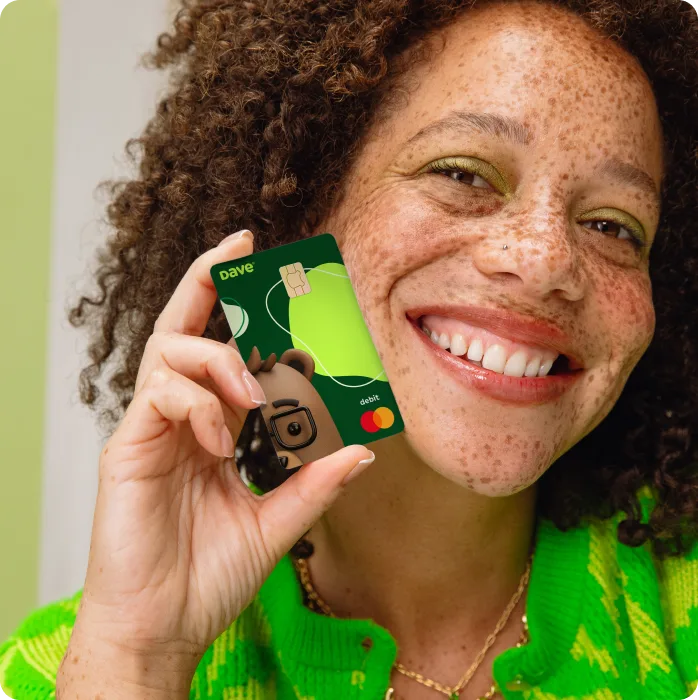
Every Checking account comes with a digital Dave Debit Mastercard® that you can use right away through Apple Pay® or Google Pay™. Want a card you can carry in your wallet? Request a physical card at any time.
Get perks at no extra cost

Stop waiting for payday with direct deposit
Get your paycheck up to 2 days early.1 It’s your money, we’re just helping you get it faster.

Access up to $500 instantly
Transfer your Extracash® to a Dave Checking account in seconds at no added cost.2

Save while you spend with Round Up
Grow your savings by rounding up your Checking purchases. You set the Goal, we do the heavy lifting.
Rest easy with top-tier security
You hustle for your money, and we know you want to keep your hard-earned dollars safe. That’s why each Checking account is FDIC-insured up to $250K through Coastal Community Bank, Member FDIC, or another partner bank. Conditions apply.3
Banking built for you
Open an account from your phone
Sign up for a Dave Checking account through the app in minutes. No bank branches, no lines.

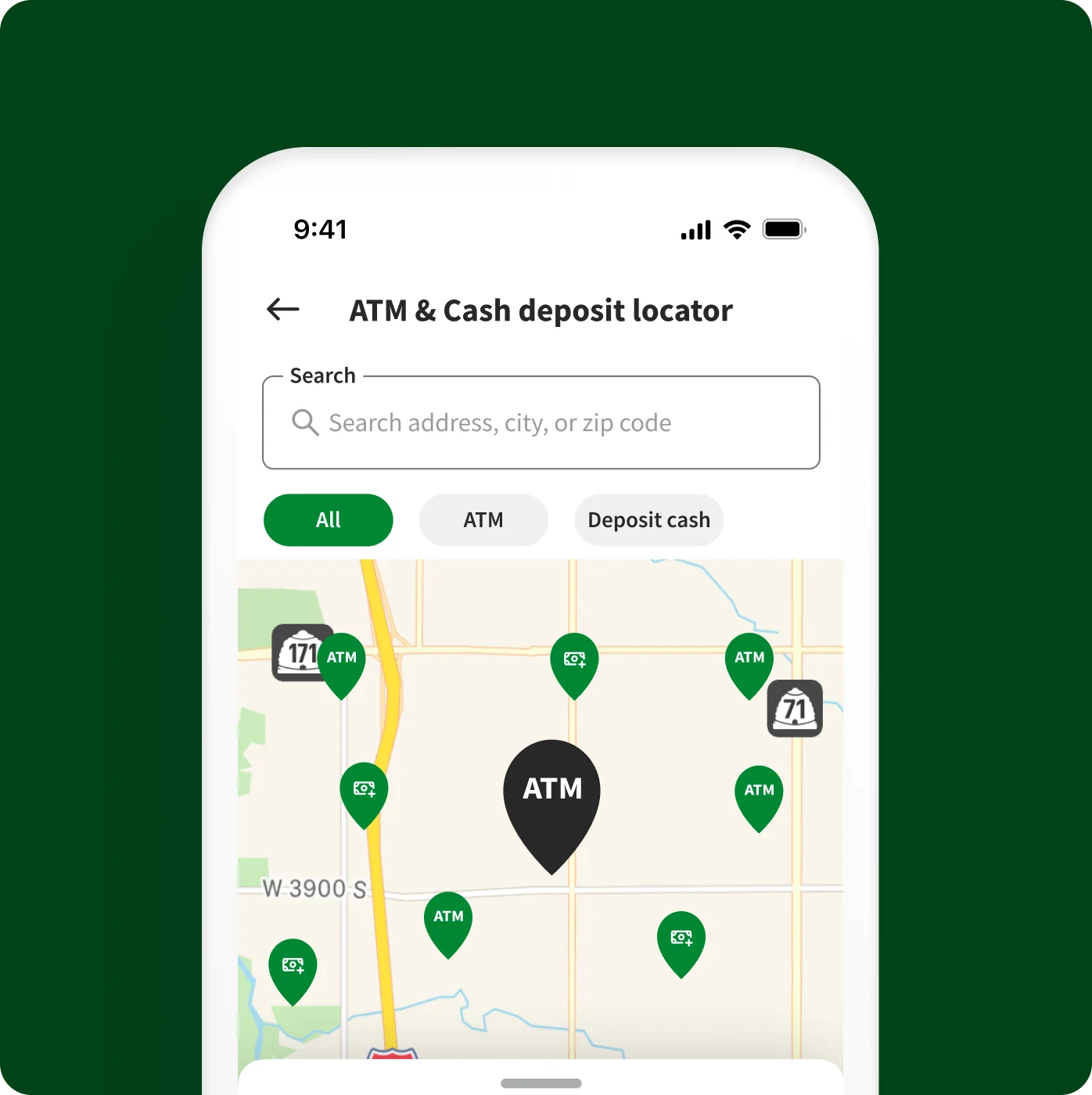
Stop paying ATM fees at places you shop
Go fee-free at 40K+ MoneyPass® ATMs in 7-Eleven and other spots near you.4

Take the guesswork out of your budget
Always know how much you have left to spend after covering your bills with our smart budgeting feature.

Free yourself from hidden fees
You work too hard for your money to spend it on minimum balance fees or account closing fees. With Dave Checking, you don’t have to pay them because we don’t have them.
Give yourself options for adding cash
- Direct deposit your paychecks
- Make one-time or recurring transfers with ACH
- Move money instantly from a debit card fee-free
- Add cash at Walgreens and 90K other stores5
- Spend ExtraCash up to $500 instantly when you transfer to Dave Checking2
Get Dave Checking
Better manage your money and get paid up to 2 days early.1
Got questions?
Our team’s got answers.
Do I need a Dave membership to access Dave Checking?

Yes, to use any of Dave’s features there is a small membership fee. The Dave membership renews monthly, on the same date that you signed up for the membership. Please note that the membership is not associated with ExtraCash™ eligibility and deleting the app will not end your membership or close your account.
How do I open a Dave Checking account?
There are no credit checks or minimum balance requirements when signing up for a Dave Checking account—just pass our identity verification process and you’re good to go!
When will I receive my physical Dave Debit Mastercard®?
If you have not received your physical Dave debit card after opening a Checking account, or if you need to replace your current card, you can request one in the app. Your card will be sent via USPS and can take up to 10 business days (not including weekends and holidays) to receive.
While you wait for your physical Dave debit card to arrive, you can use your digital Dave debit card to make purchases online or add it to your digital wallet, like Apple Pay® or Google Pay™, to make in-person purchases at merchants that accept tap transactions.
How do I activate my Dave Debit Mastercard®?
To activate your new Dave card, tap on the green banner stating Activate your physical card. Then just confirm the last 4 numbers of your card, review the expiration date, set your PIN and you’ll be set to start spending! You can also add your Dave Debit Mastercard® or digital card to use with Apple Pay or Google Pay.
If you need some extra help, please contact our Member Success team by navigating to your settings in the Dave app, then scroll down and Chat with us.
How do I activate Round Up?
Dave Checking members with a Goals account can sign up and start using Round Up by tapping Save every time you spend with Round Up from the home screen, or you can manage Round Up from settings.
If you do not have a Goals account, you'll be able to activate Round Up after completing the account opening process.
How do I set up direct deposit?
You can get paid up to 2 business days early when you set up direct deposit into your Dave Checking account.1
To get started
Tap on your card from the home screen to get to your Checking account details. Under your card, tap Set up direct deposit.
Pick how you’d like to set up direct deposit
• Automatically by signing into your employer's direct deposit portal.
• Use your Checking account and routing numbers in your employer's portal
• Fill out and send a direct deposit form to your HR team
The exact timing of your deposit is dependent on your employer or sender. If you're not seeing your deposit early, contact your employer or sender to better understand their payroll policies.
If you need some extra help, please contact our Member Success team by navigating to your settings in the Dave app, then scroll down and Chat with us.